
Scheduling without the scramble.
Enjoy the flexibility to create events and volunteer shift schedules that just work — simple to manage, smooth for signups, and designed to fill every spot.
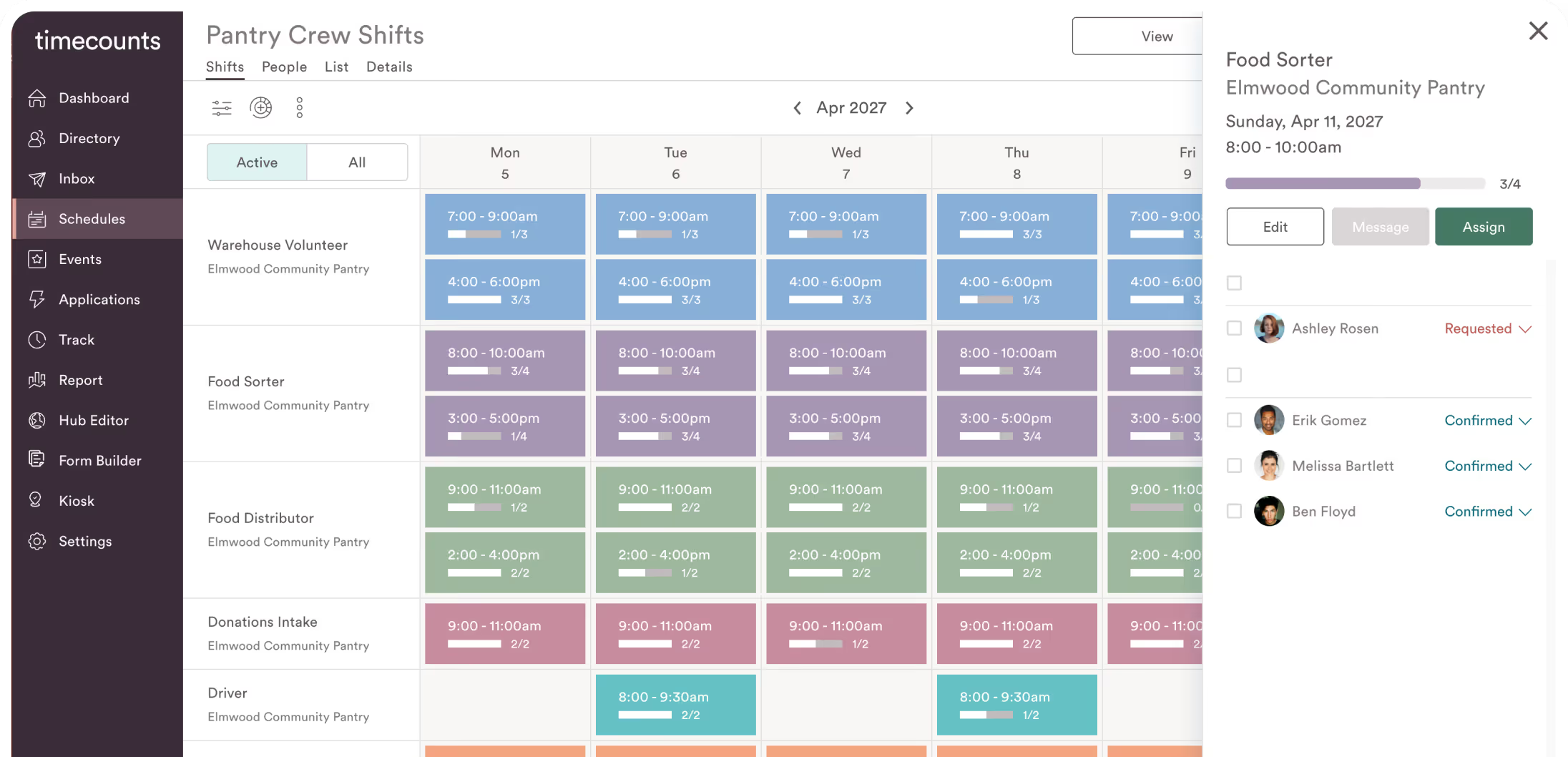
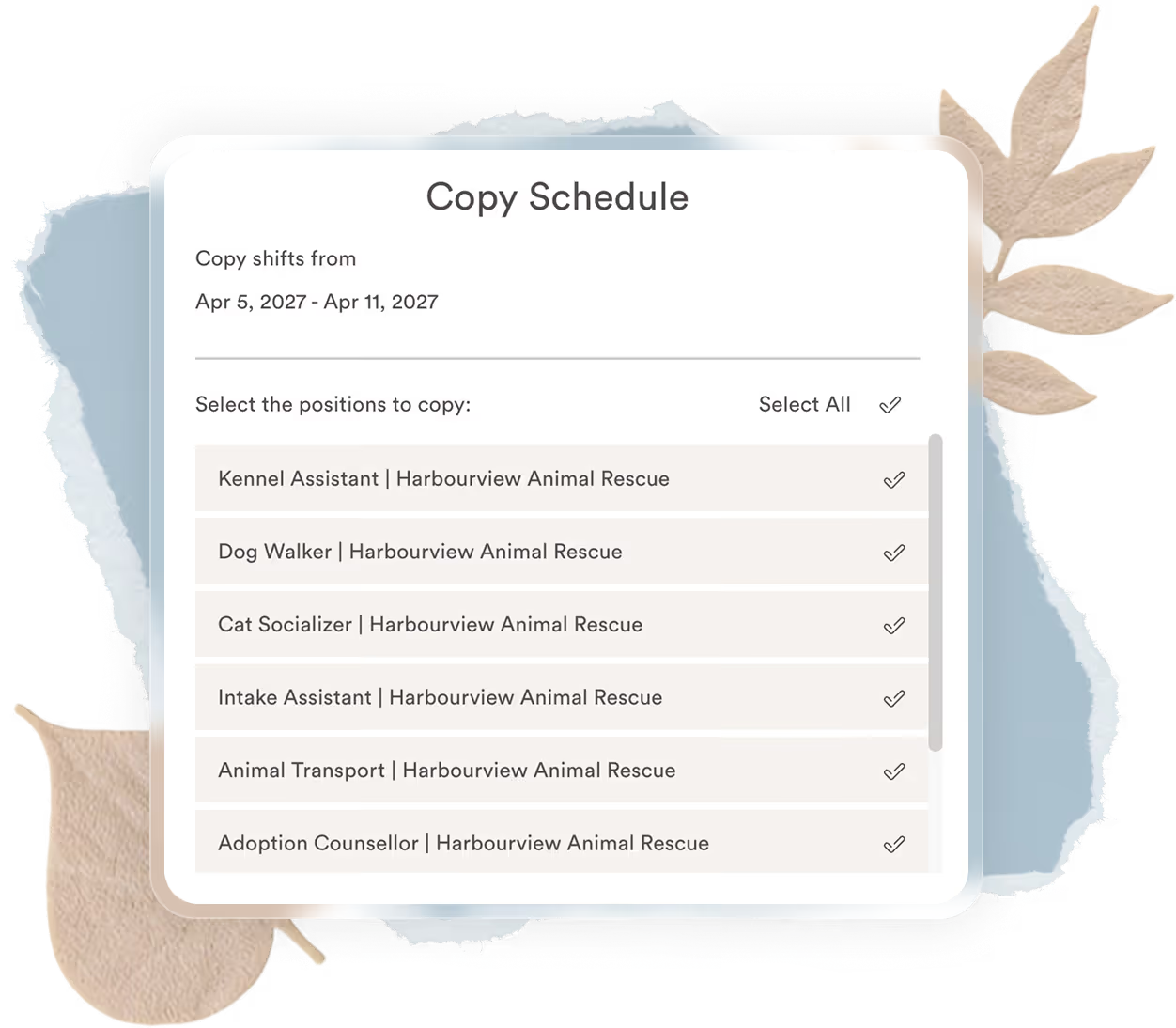
Build your schedule once. Set it to repeat.
You don’t want to rebuild the volunteer schedule every week, and you shouldn’t have to. In Timecounts, create recurring shift schedules that carry forward automatically for ongoing roles, or plan ahead by posting new opportunities across a centralized calendar.
Qualify who can sign up for specific shifts.
Announce automatically when new shifts are posted.
Let people see who they’ll be volunteering with.
Events that fit every format
Create one-time, repeating, or multi-shift events that look great, share easily, and get people involved.
One-time events make showing up easy
Perfect for single day activities, training sessions, orientations, or thank-you celebrations. Bring your event to life with a beautiful page that tells people what to expect and gathers the details you need in advance.

Repeating events keep momentum going
When a volunteer opportunity happens often, like a weekly gardening day or monthly food drive, add all your future dates once so volunteers can easily see and choose what works for them.
Watch your volunteer community grow
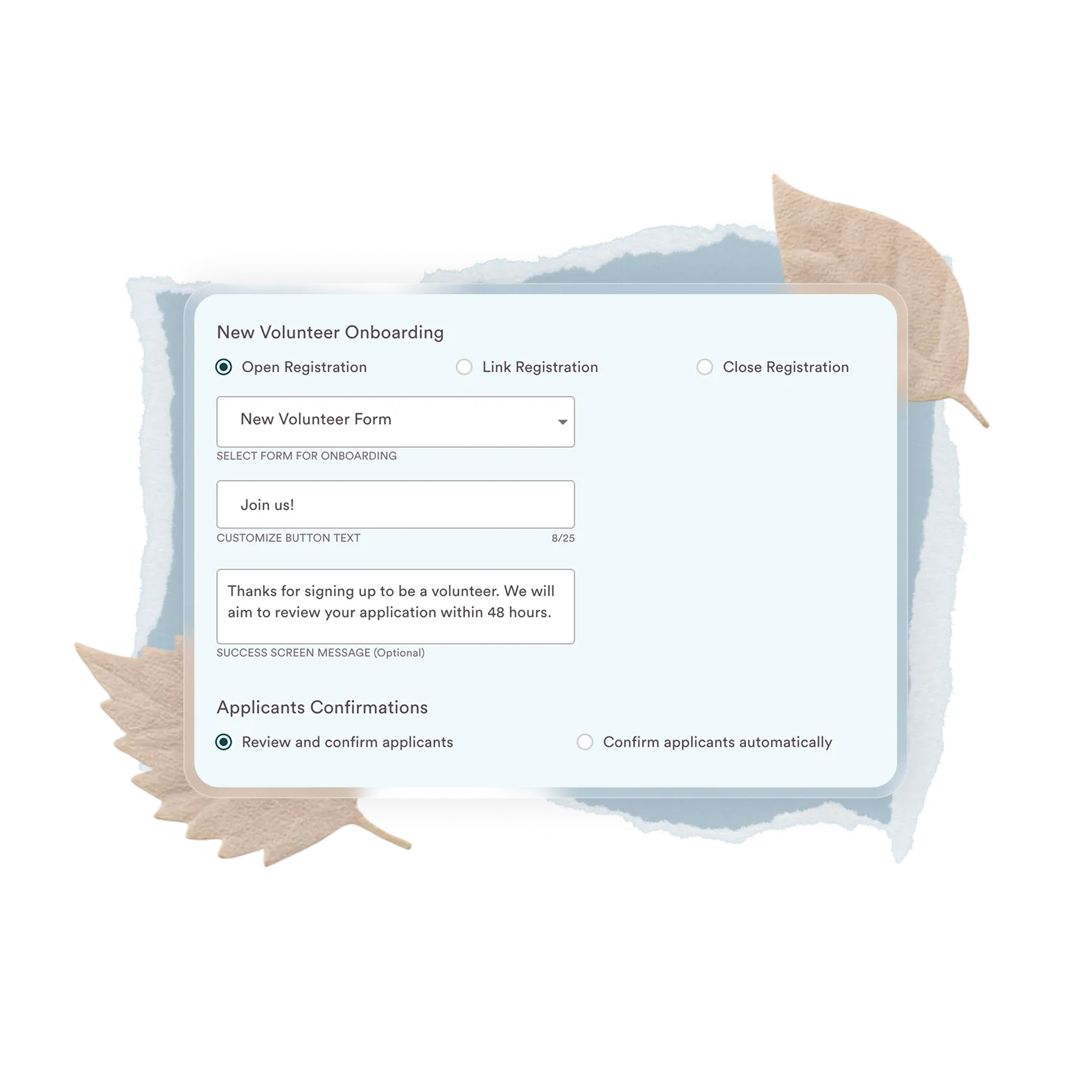
Potential volunteers appear in your onboarding view where you can review their information, check for requirements, assign roles, and welcome them for what’s next.

Make space for groups that want to give back together.
Reserve spots for teams, schools, or corporate partners with a dedicated page for signups. It’s a simple way to organize group volunteering without the back and forth, and one company leaders genuinely appreciate.
Create a personalized signup page just for the group.
Offer a streamlined signup flow with fewer barriers.
Track group participation for reporting and recognition.
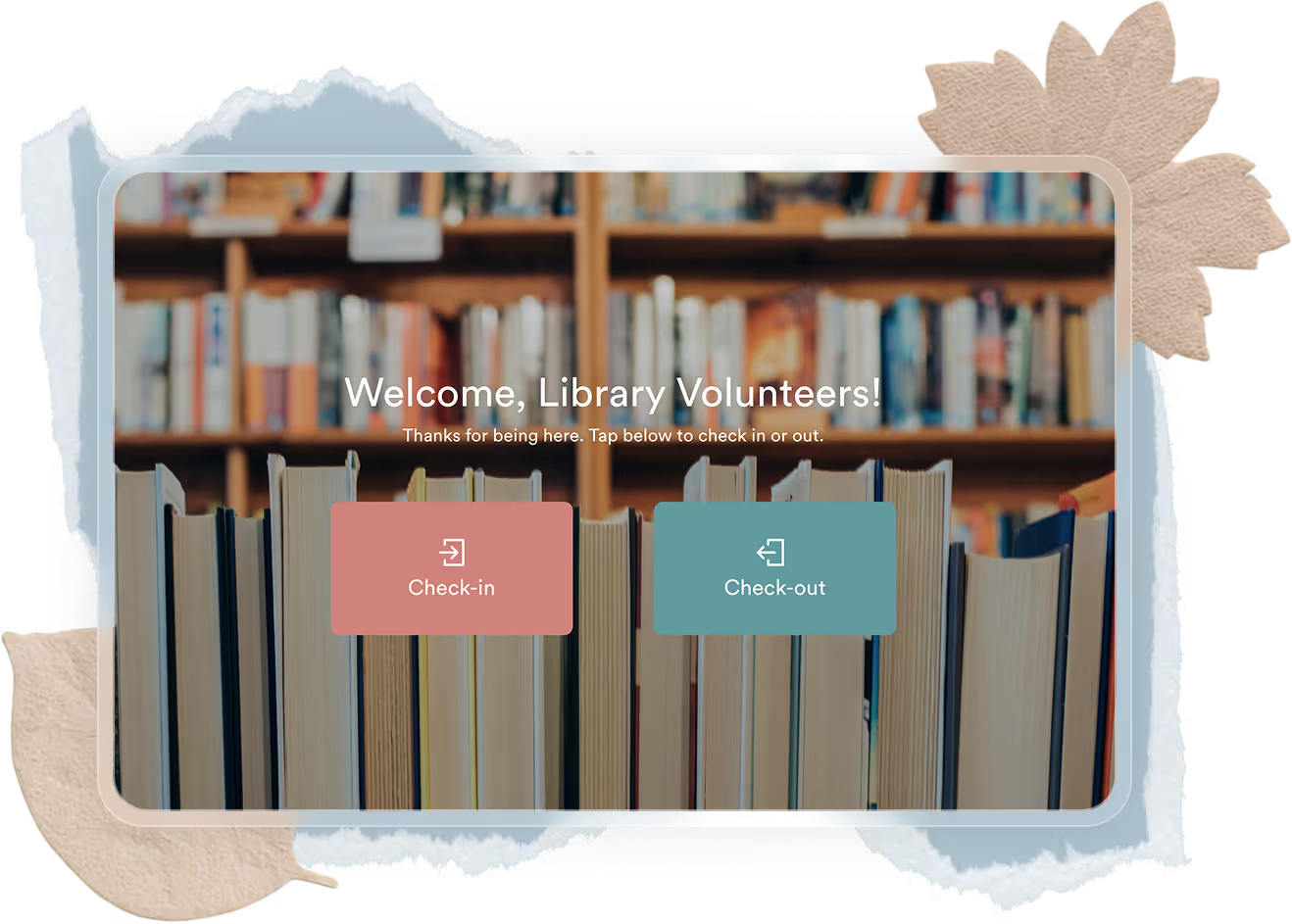
Volunteer check-ins that keep things organized.
Set up a check-in kiosk that keeps arrivals calm and organized. Volunteers check in and out quickly, and attendance updates automatically without the clipboards or confusion.
Volunteers check in by name using a tablet or iPad kiosk.
Attendance records update automatically.
Identify late arrivals or no-shows and follow up fast
Volunteer scheduling that runs itself
Automate waitlists, set signup limits, and control access so your events and schedules stay organized, even when plans change.
Waitlists keep shifts covered
When a volunteer cancels, Timecounts invites the next person in line or lets you approve a replacement. Openings fill quickly and fairly, without extra work.
Clear signup and cancellation rules
Set how often volunteers can sign up, when signups close, and how late cancellations are allowed. Volunteers know what’s expected, and you save time managing changes.
Access and visibility that put you in control
Choose who can see and sign up for opportunities, and decide whether signups are auto-approved or reviewed first.



Still have questions?
Here’s what organizers ask most.
Can volunteers choose their own shifts?
Yes. Volunteers can sign up for shifts themselves. You decide whether signups are auto-confirmed or reviewed first, and you can still assign people when a role needs someone specific. You can also set restrictions for positions that require training, qualifications, or experience so people are scheduled in the right spots. Volunteers get choice, and you spend less time managing the schedule.
How does Timecounts handle cancellations?
No, we offer a free version of Timecounts to approved organizations, and our Pro Plan is priced at less than $2 per day. As a mission-driven organization, we’ve intentionally set the Pro Plan below market value to make it accessible to as many nonprofits as possible.
Can Timecounts help reduce no-shows?
No, we offer a free version of Timecounts to approved organizations, and our Pro Plan is priced at less than $2 per day. As a mission-driven organization, we’ve intentionally set the Pro Plan below market value to make it accessible to as many nonprofits as possible.
Have more questions?
Email us at support@timecounts.org and we’ll get back to you soon.